One thread per conversation
Messages, replies and decisions live in a searchable thread against the project, so nobody has to dig back through years of email to find them.
Coming soon
Team Portal gives every client one place to talk to you, share files up to 10 GB, and see real project status pulled live from Float, Jira, JSM and Confluence. They get the progress that matters to them, and you stay in control of what's shared.
We're not open for sign-ups yet. Register your interest and we'll email you the moment it opens. When it does, there's a 14-day free trial, no card required, and your Basecamp history comes with you.
Everything a client posts appears in your Slack channel as it happens, and anything your team replies there goes straight back to the client. Nobody has to forward a screenshot, and nobody finds out a week later.
What your clients see, what your team sees, and how it works on a phone.
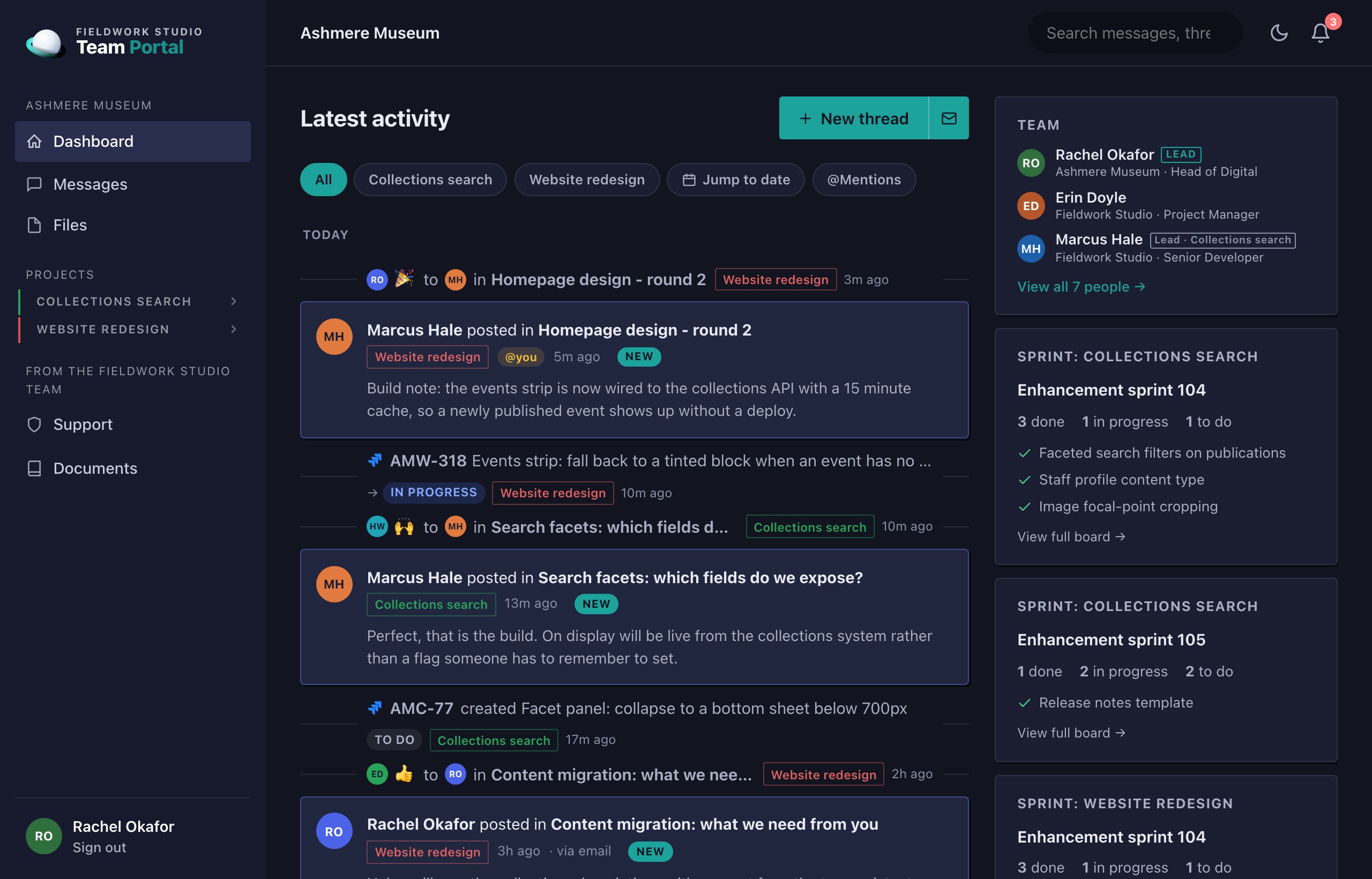
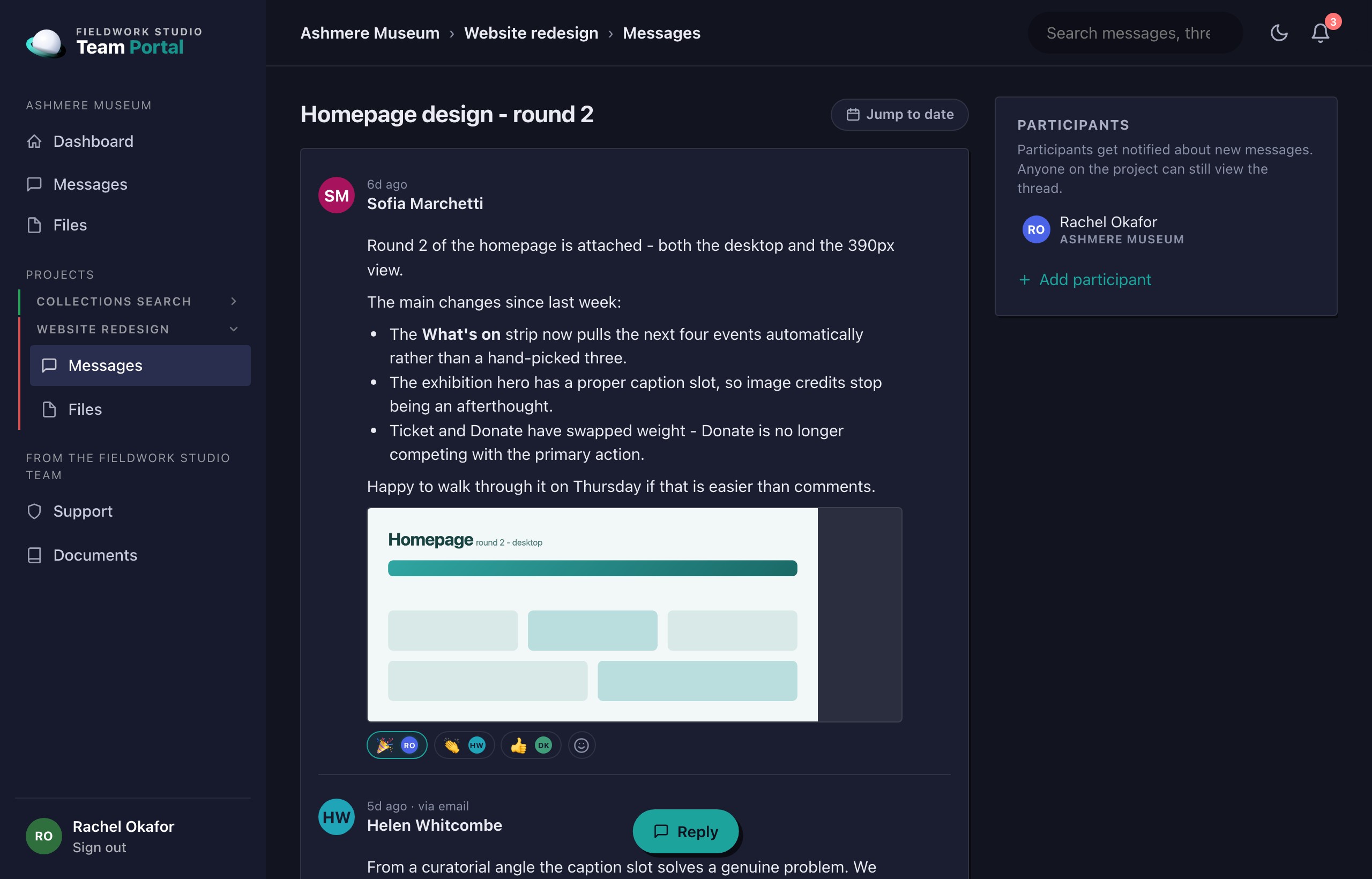
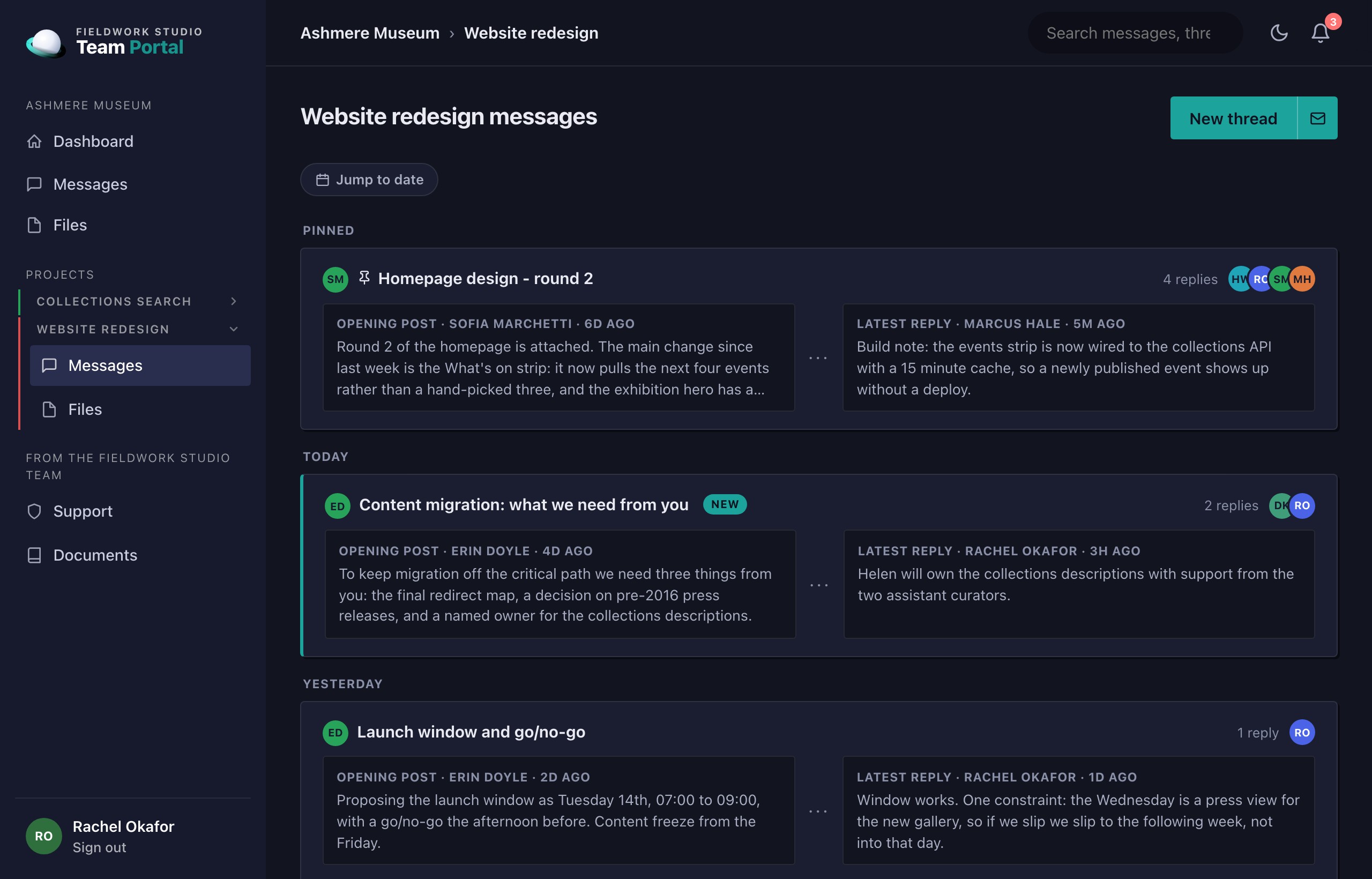
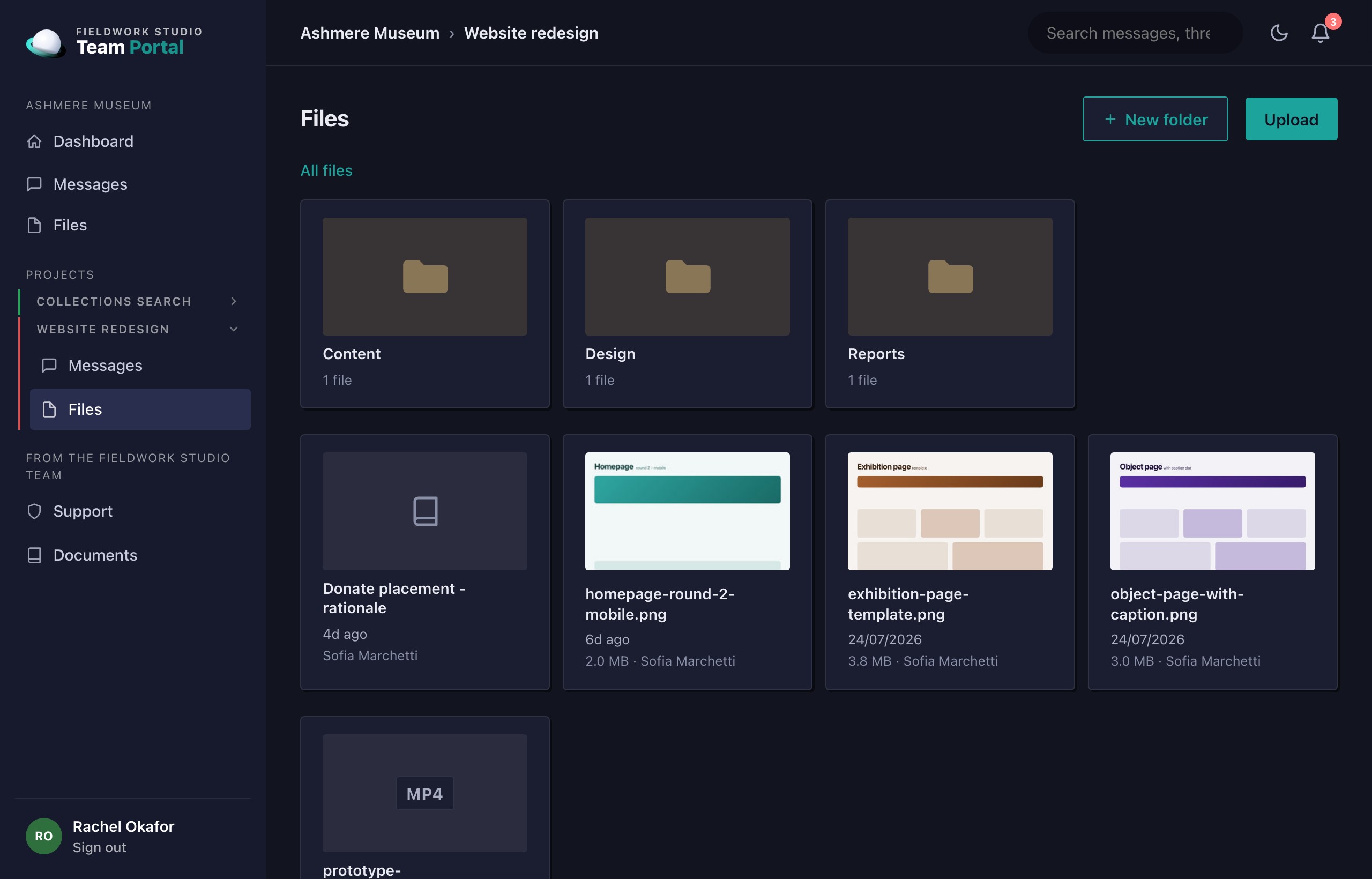
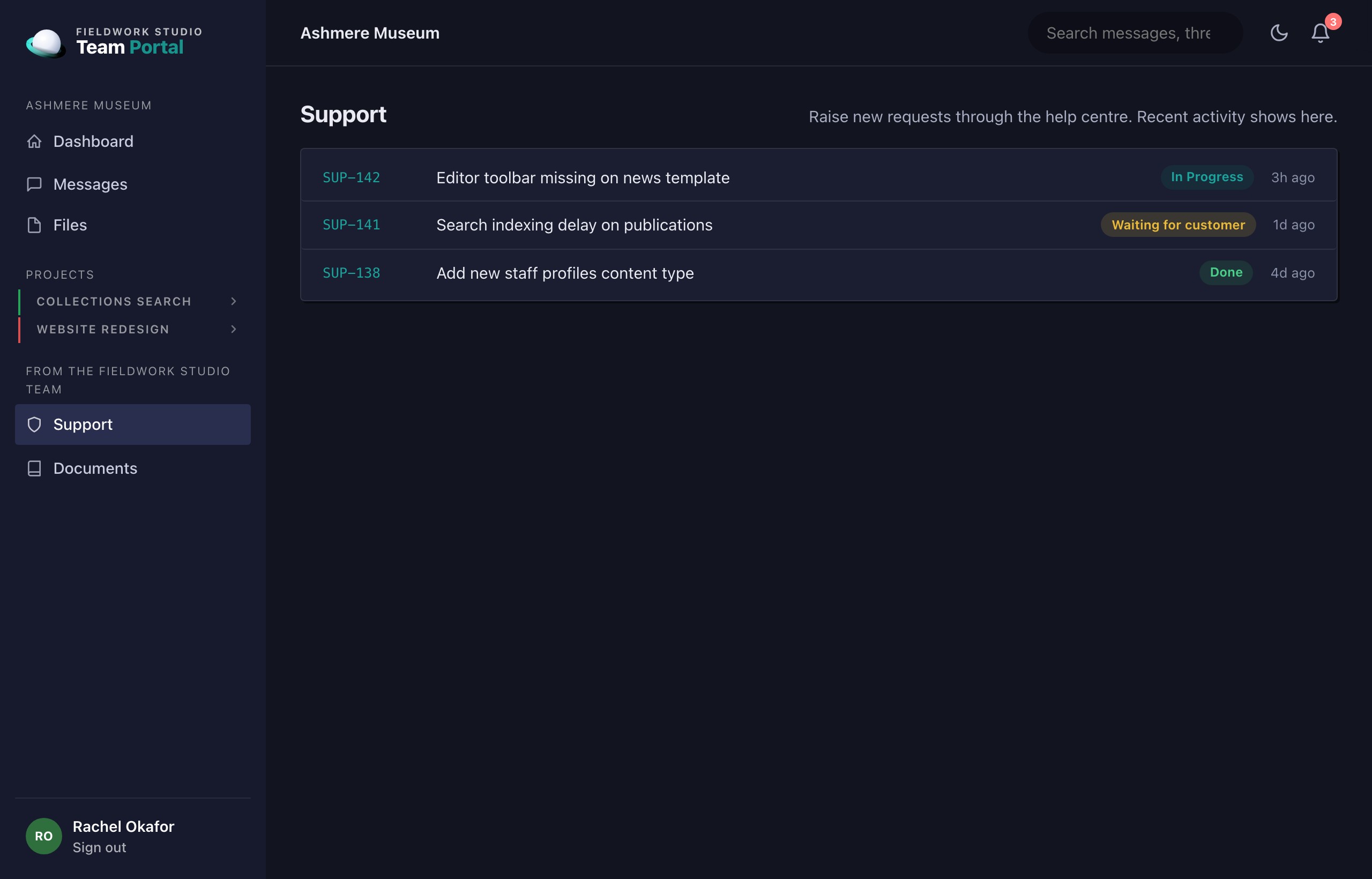
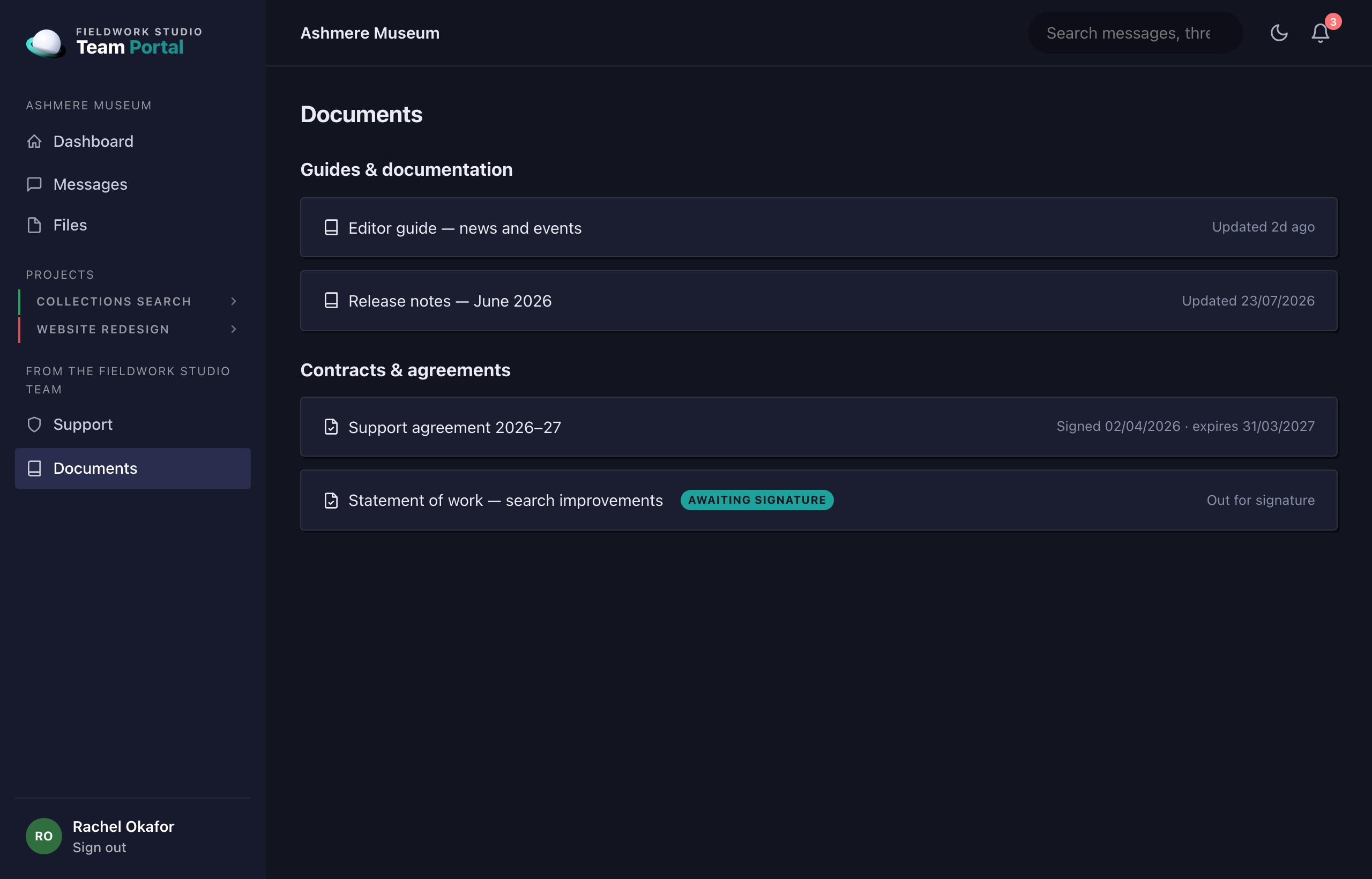
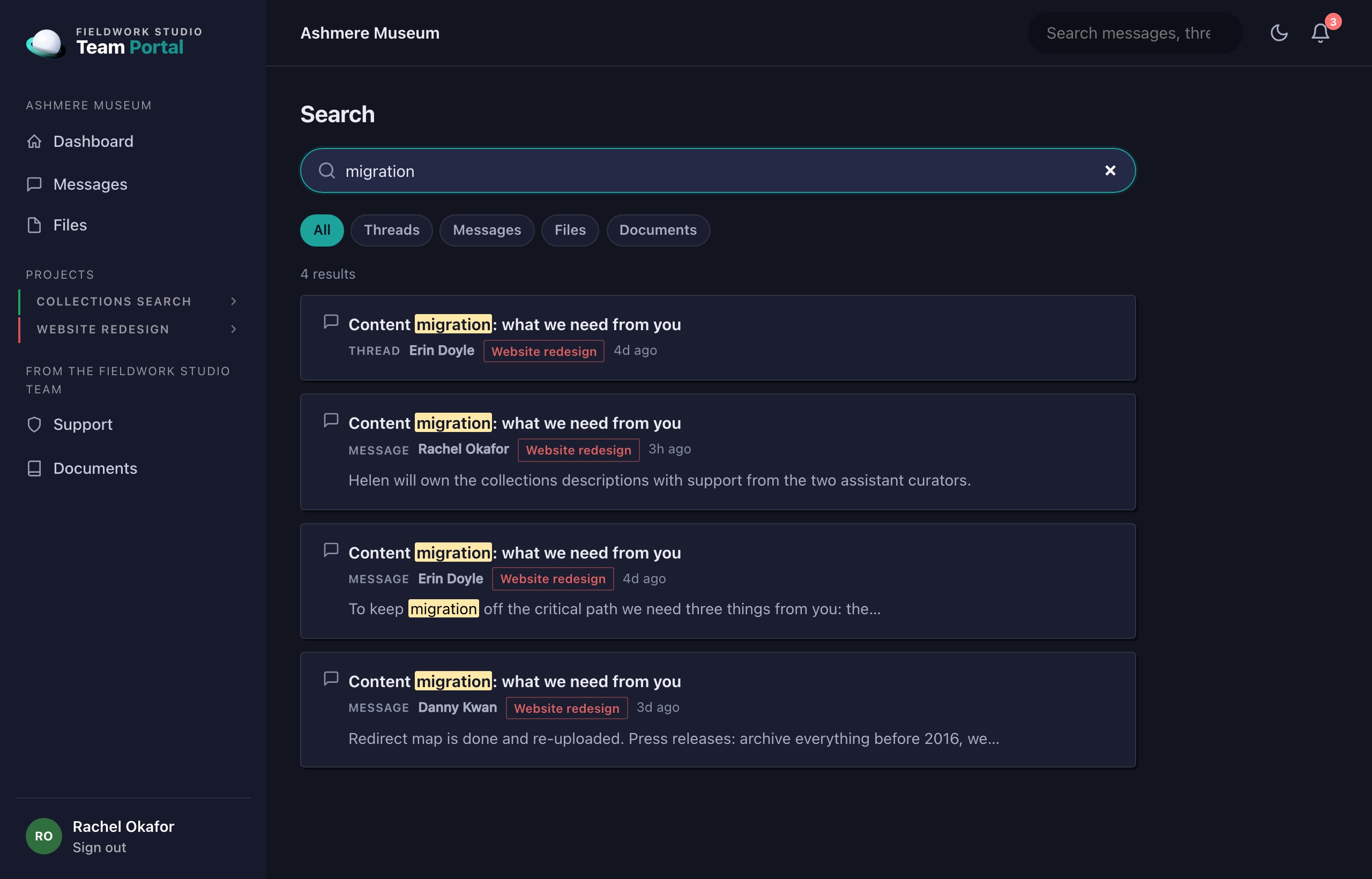
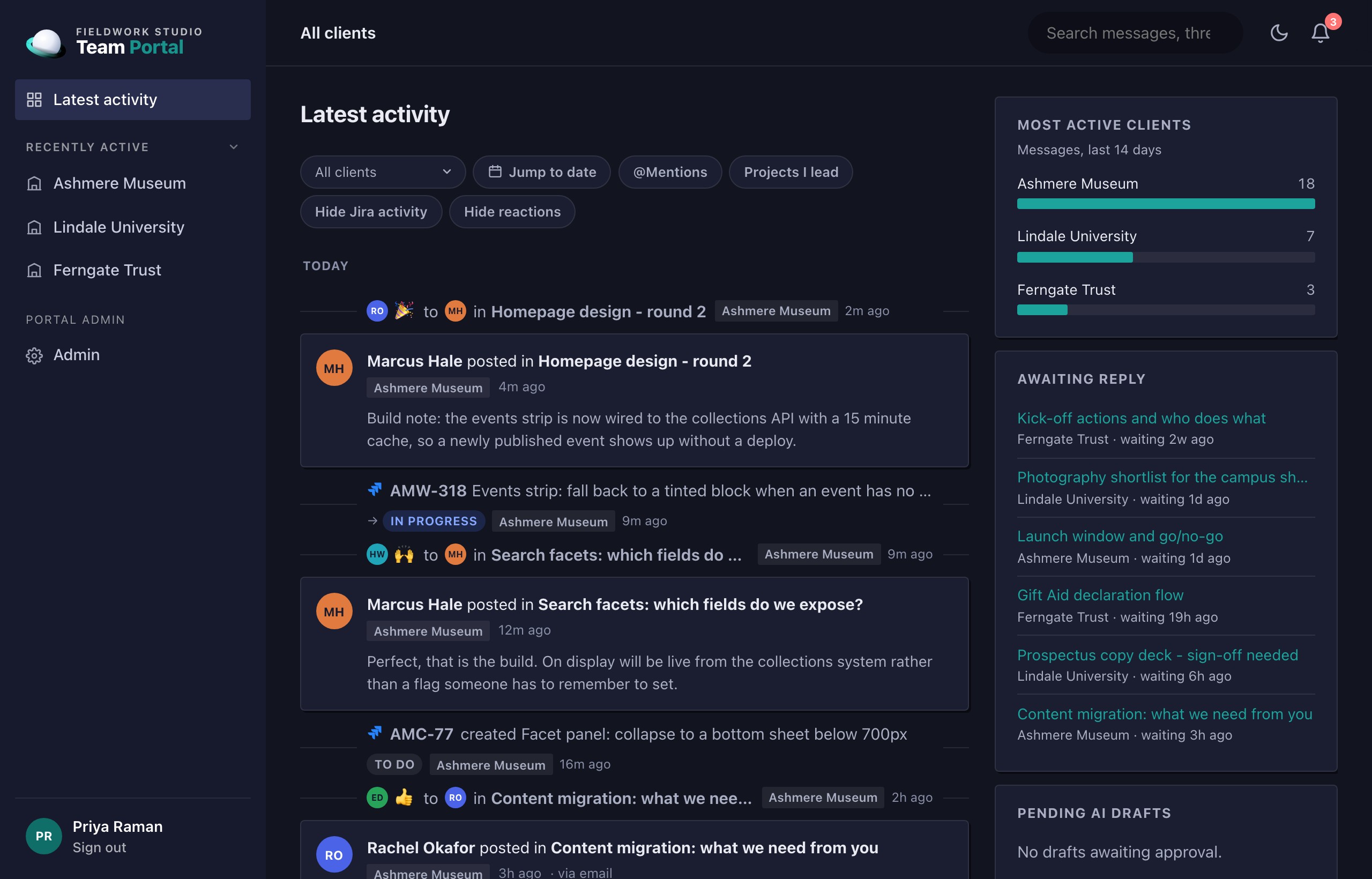
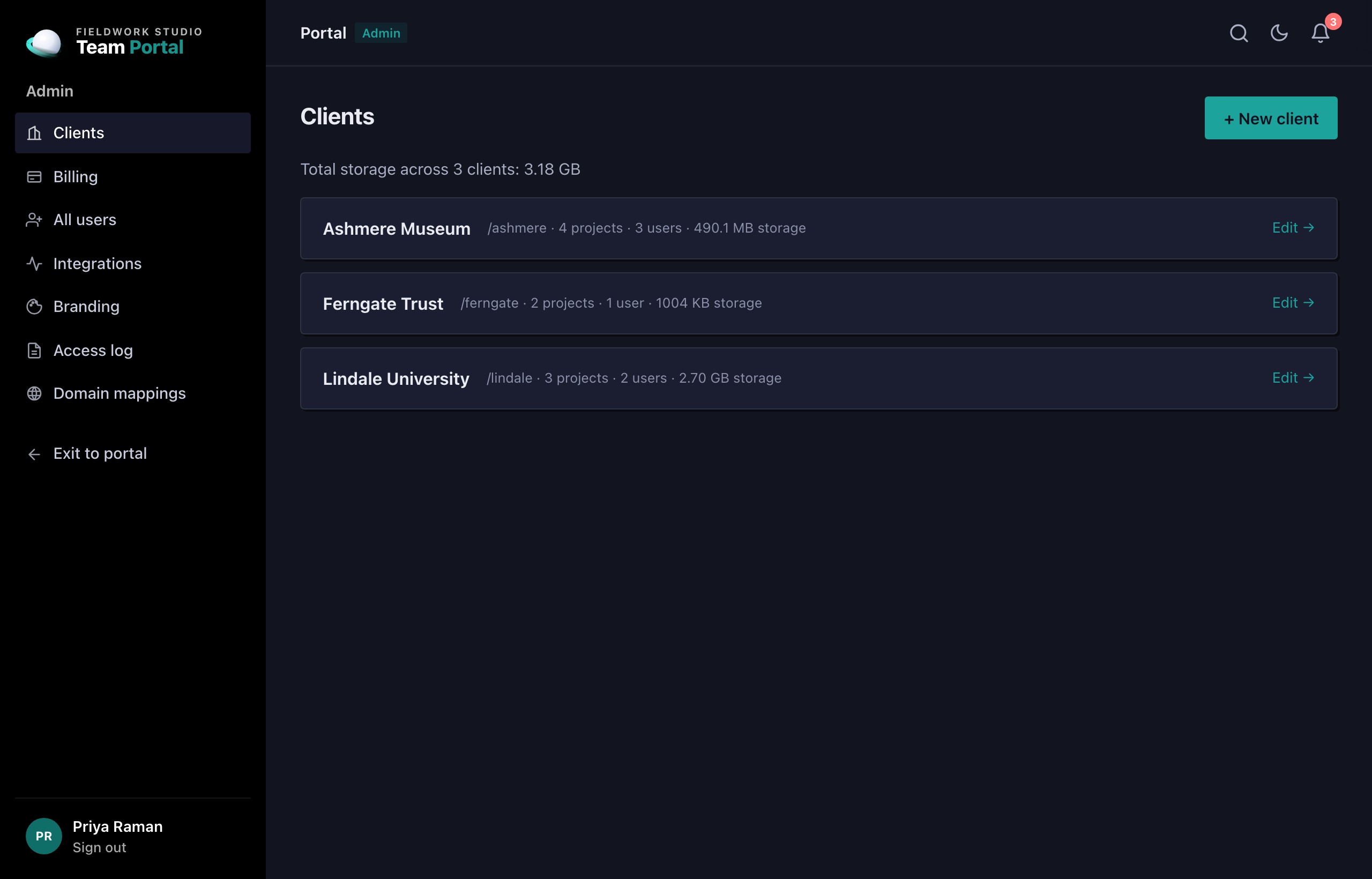
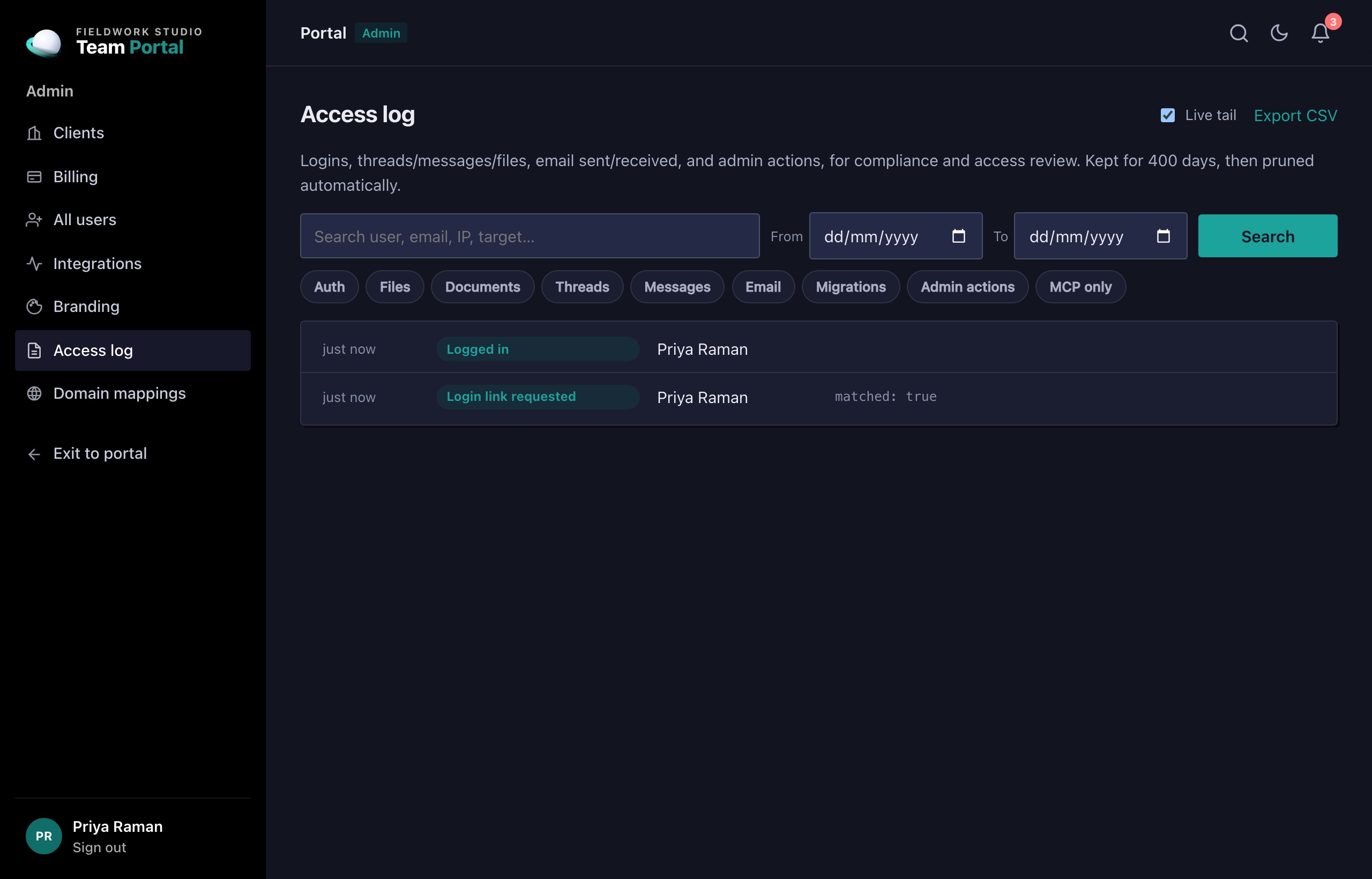
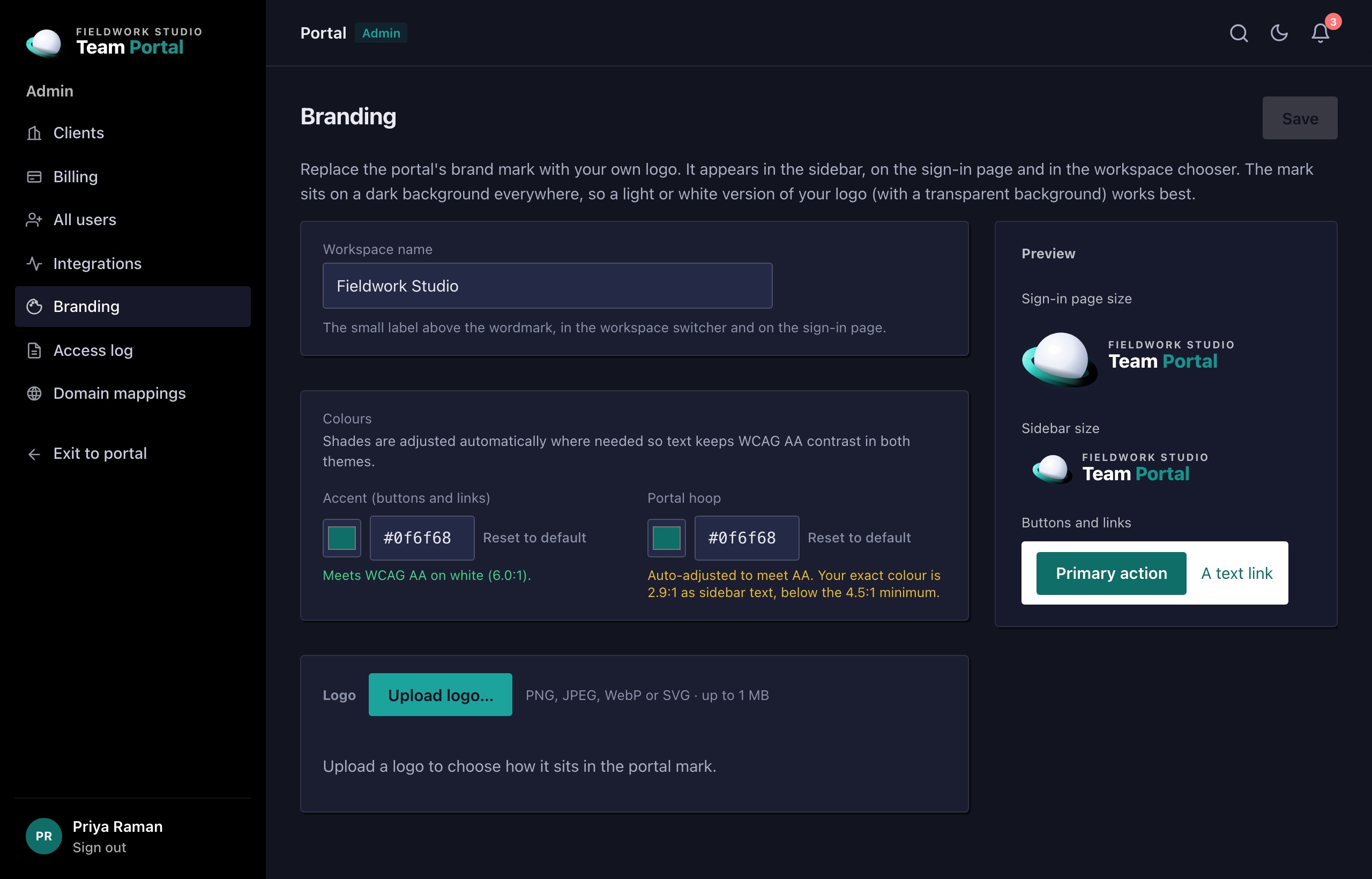
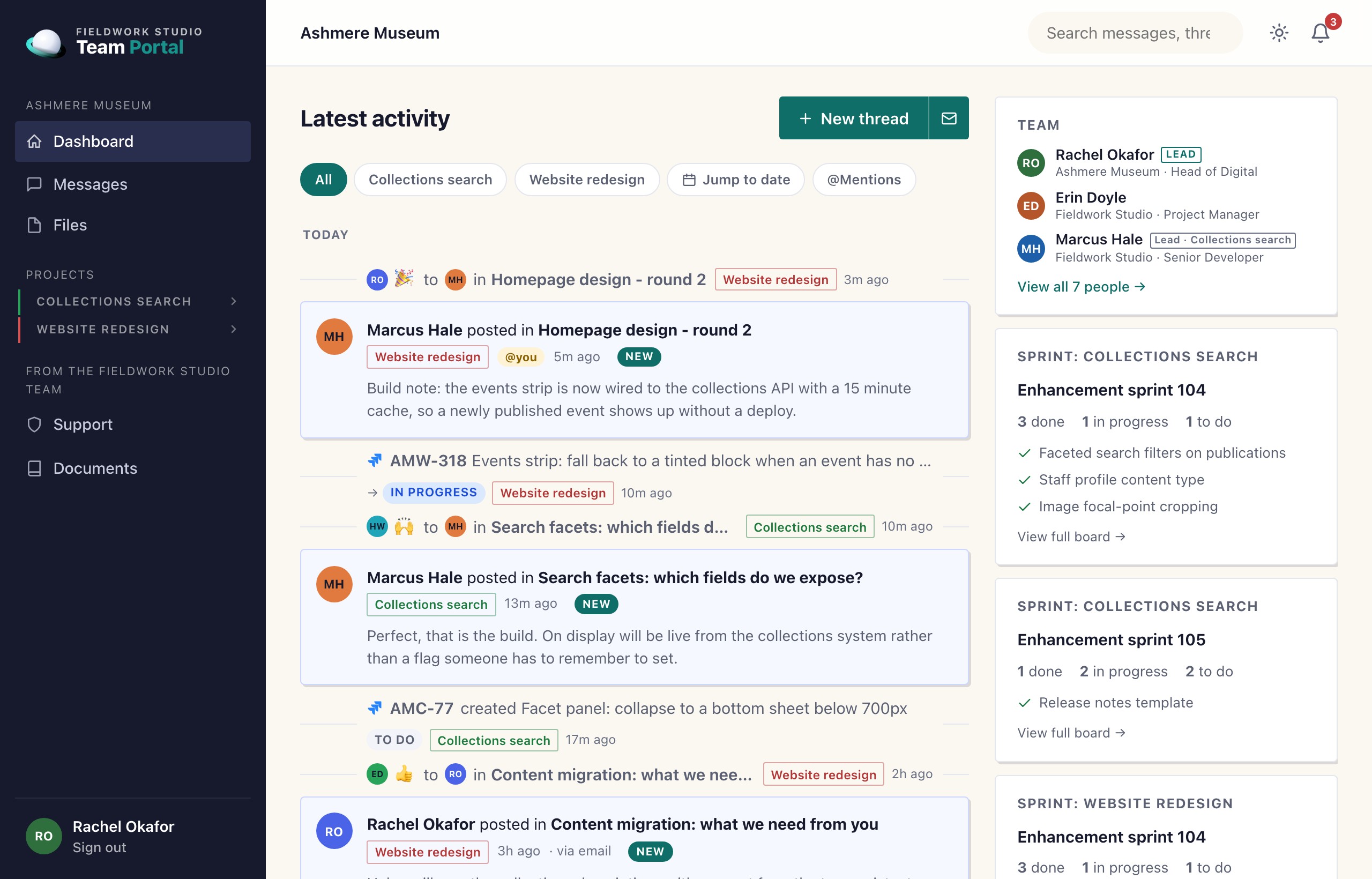
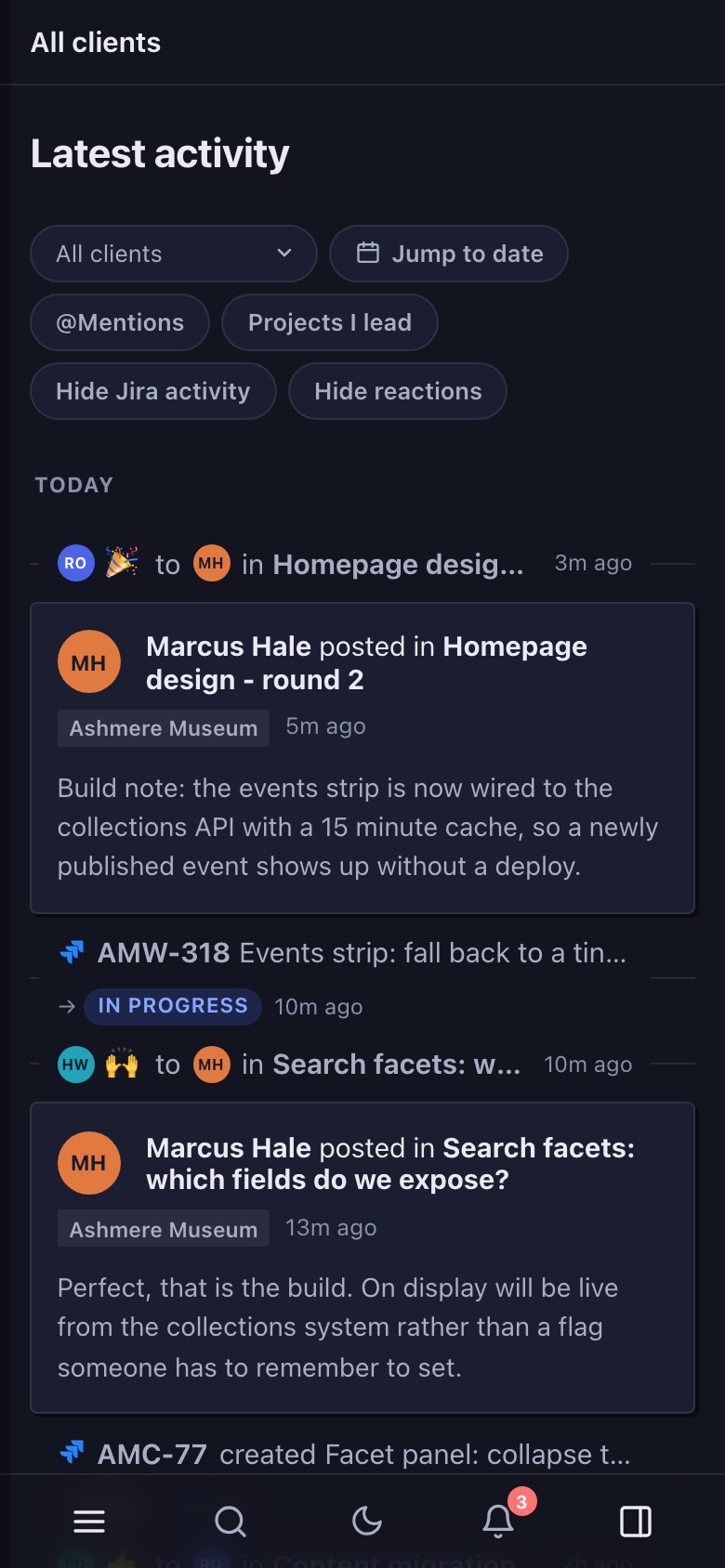
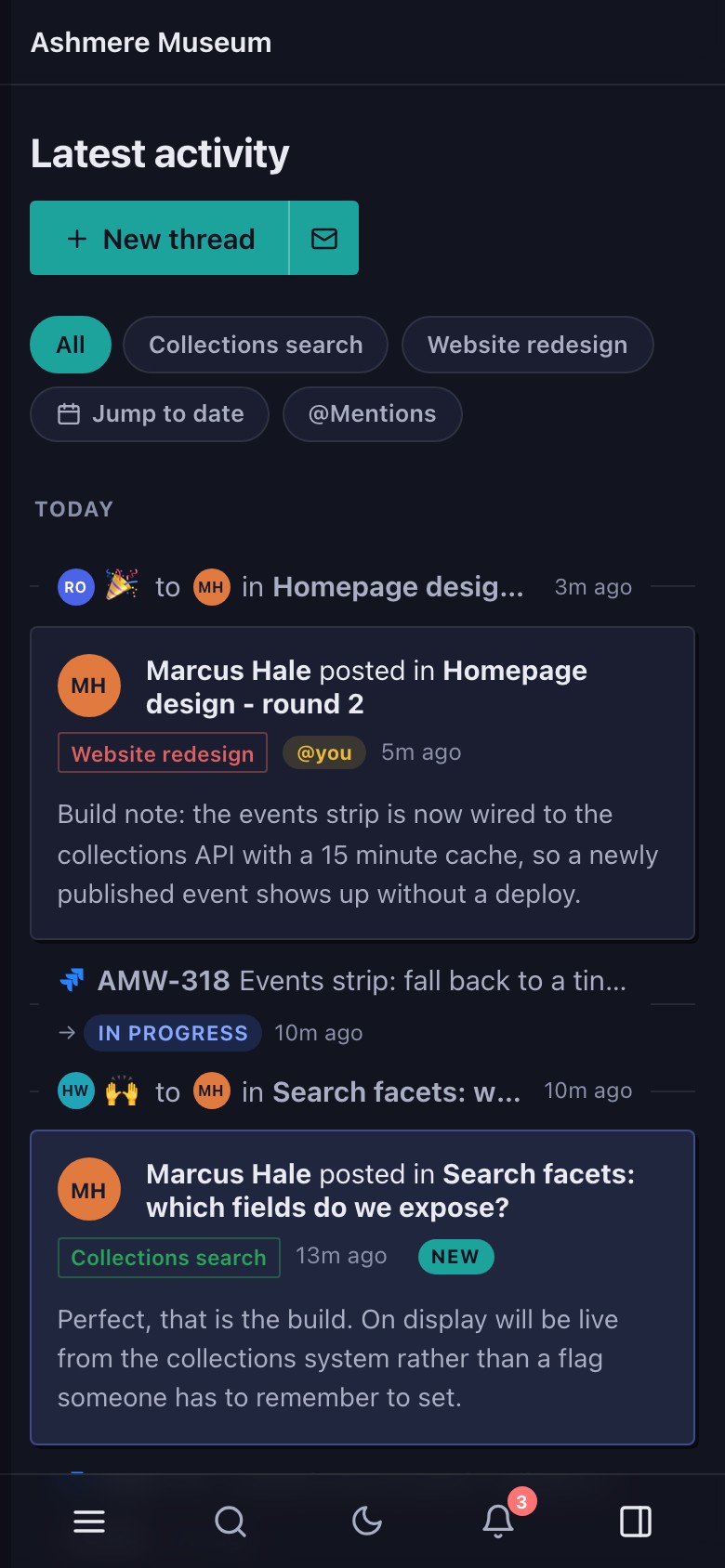
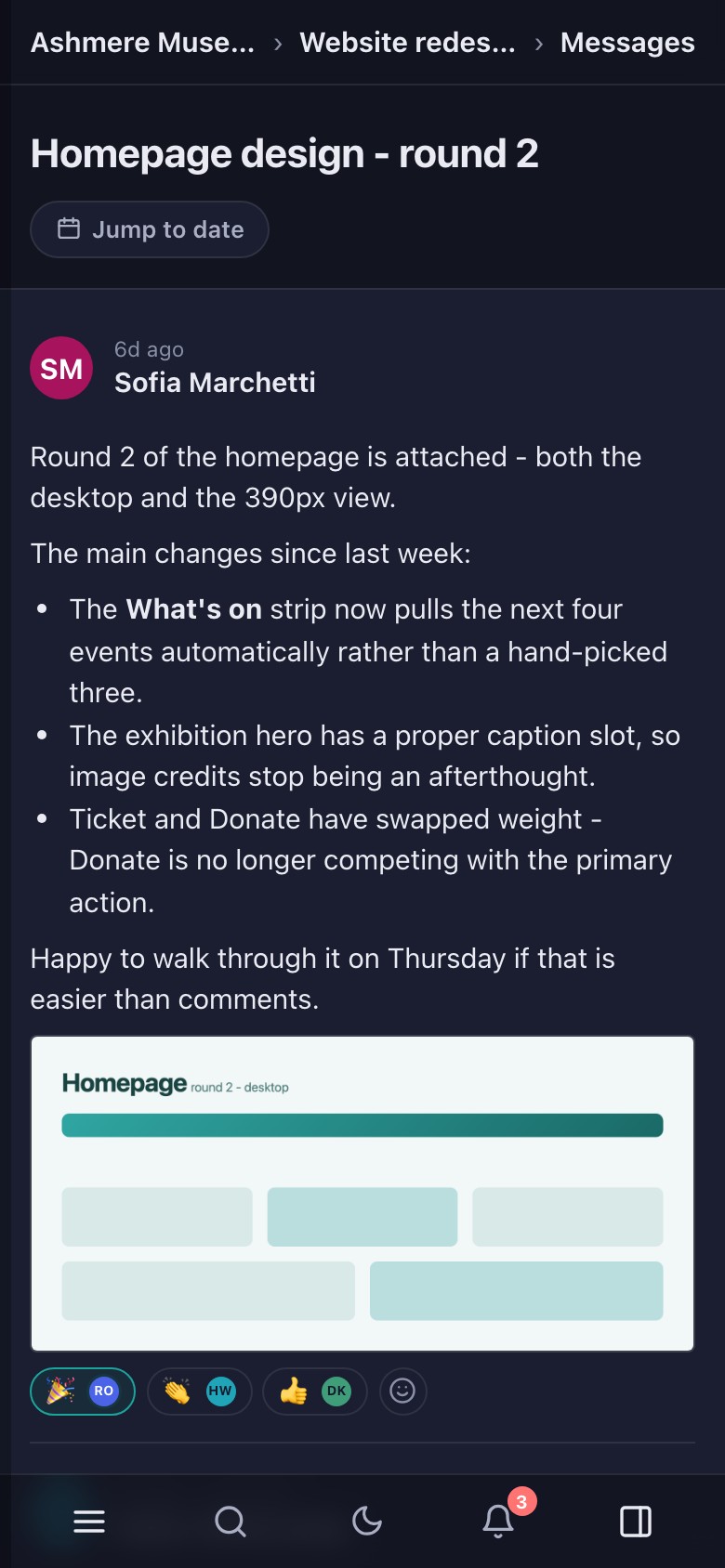
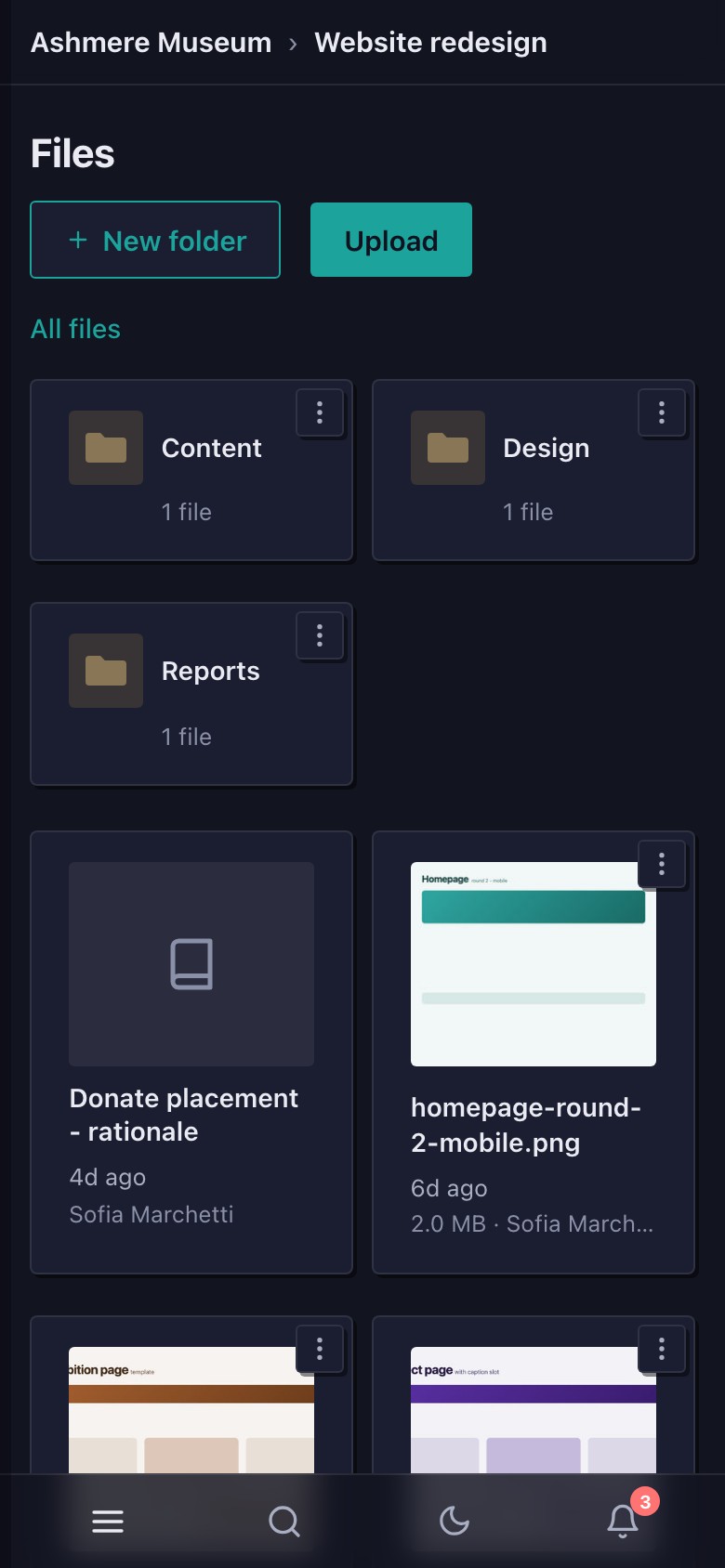
The agency, the clients and the people in these screenshots are invented.
Everything your clients need to follow a project, with the internal detail left out.
Messages, replies and decisions live in a searchable thread against the project, so nobody has to dig back through years of email to find them.
Large designs, videos and archives upload straight from the browser, in chunks once they pass 50 MB. No more "attachment too large" bounces.
Clients can reply to a notification email and it threads straight back into the portal. There's no separate app they have to remember to open.
No password to set, forget or reuse. A one-time email link signs a client in; there's no stored password to leak.
New messages, files and status changes appear the moment a colleague posts them, over a live connection to the room they're in.
Every Friday, Team Portal drafts a round-up of the week for your PM to review, edit and publish. Nothing reaches a client automatically.
Schedule burn-down, sprint progress and support-ticket status pull straight from the delivery tools you already run, kept current automatically.
Agreements signed through your e-signature tool show up alongside the rest of the project record, not buried in someone's email.
A security release, a hosting outage in one region, an event worth promoting: the news has to reach the right contact at every client it touches, today, whoever happens to be in. Broadcasts know who that is so your team doesn't have to work it out under pressure.
Topics are a tree you shape to your work: the platform a site runs on, the region it's hosted in, the CMS version it's on. Tag each client when you set it up, and a broadcast to a hosting platform reaches every region beneath it.
Whoever is the lead contact at a client receives every topic that client holds, with no list to maintain when a topic is added. Anyone else at the client can opt in to the updates they care about from their own account.
Start from a saved template, check exactly who will receive it, leave out the client that needs a personal note, and send. Each client gets the message as a thread in their space and an email that links straight to it, so replies and reactions land where your team already works.
Team Portal doesn't replace Float, Jira, JSM or Confluence. It shows your clients a read-only, curated slice of what's already true in them.
Confluence pages need a
portal label before they
appear; Jira issues tagged
internal
never do. Clients see only fee-side hours logged against their project, and internal cost rates and margin are never
part of any client-facing view.
Everything in the portal (threads, files, search, notifications, client and user management) is available over the same documented REST API the web app itself calls, authenticated with a personal API token. An MCP server is also available for AI agents and assistants, so the portal's data and actions can be wired straight into the tools your team already uses.
Read the API referenceThere's no separate, cut-down integration surface: a token acts as its creating user, sees only what that user can see, and is scoped to your organisation like every session. Nothing an API caller does bypasses the tenancy or permission checks the UI relies on.
The controls a procurement questionnaire actually asks about, built in from the start.
Every account, client and query is scoped to your organisation, so nothing crosses between agencies sharing the platform. The rule is enforced in every database query, down at the data layer.
Choose the region your data and files are stored in at set-up, to match the commitments you've already made to your own clients.
Every sign-in, file download and administrative action is logged and searchable, so "who saw this?" always has an answer.
Clients and staff sign in with a one-time emailed link. There is no password database to breach, phish or reuse elsewhere.
Every message is cleaned against an allow-list on the server before it's stored. Nothing a client pastes in can execute in your portal.
Every file download is re-checked against live permissions, so removing someone's access takes effect straight away.
No per-client add-ons, no setup fee. Cancel any time.
Not open yet. When it is, you can try it free on a real project before committing to anything.
For a small studio running a steady roster of clients.
For agencies who've stopped counting clients.
Plans aren't on sale yet. Prices shown are placeholders pending a final pricing decision. All plans include unlimited projects and threads.
Not yet. We're finishing a few things off before we open it up, so sign-ups are closed for now. Email hello@teamportal.site to register your interest and we'll get in touch as soon as you can start a trial. If you already have an account, the sign-in link at the top still works as normal.
Yes, and more usefully, all the clients an event actually affects. Tag each client with topics (hosting platform, region, CMS version), then broadcast to a topic: every client tagged with it or anything nested under it gets the message as a thread in their space and an email to their primary contacts. You see the recipient list before you send, can leave a client out or add one by hand, and afterwards can see who replied. Templates hold the wording for the events that recur.
Run the built-in migration from the admin area: it pulls across projects, message threads and people, matched by email where possible. It's re-runnable, so you can migrate early and keep running Basecamp in parallel. A nightly job quietly pulls in anything new posted there until you're ready to switch it off for good.
Just their email address. There's no password to issue, reset or forget. They request a one-time sign-in link, click it, and they're in. Nothing is stored that could be leaked or reused elsewhere.
You do, in full. Your agency is the data controller for everything your clients share. Deleting a client removes its content from the live system immediately. A full export can be arranged with our team on request today; self-service export is on our roadmap.
Not yet. Every agency gets its own isolated workspace today, and a branded custom domain per agency is on our roadmap. Tell us if it's a blocker for you, as it helps us prioritise.
Yes. Plans are month-to-month with no lock-in contract. Cancel from the billing page and your access continues until the end of the period you've already paid for.
No. Clients only ever see fee-side hours and progress against their project. Internal cost rates and margin never appear in any client-facing view, and there's no setting that exposes them.
Sign-ups open soon. Tell us you're interested and you'll be first to know. After that it's a 14-day trial on a real project, no card required.